.png)
 2 years ago
🎙️ Daily Podcast (FR) : NViNiO•Podcast™
ADs | ✨ Enhance your Social Media content with NViNiO•AI™ for FREE
Oct 03, 2024
[[read-time]] min read
The new voice input feature makes it easier to point your camera and ask a question.
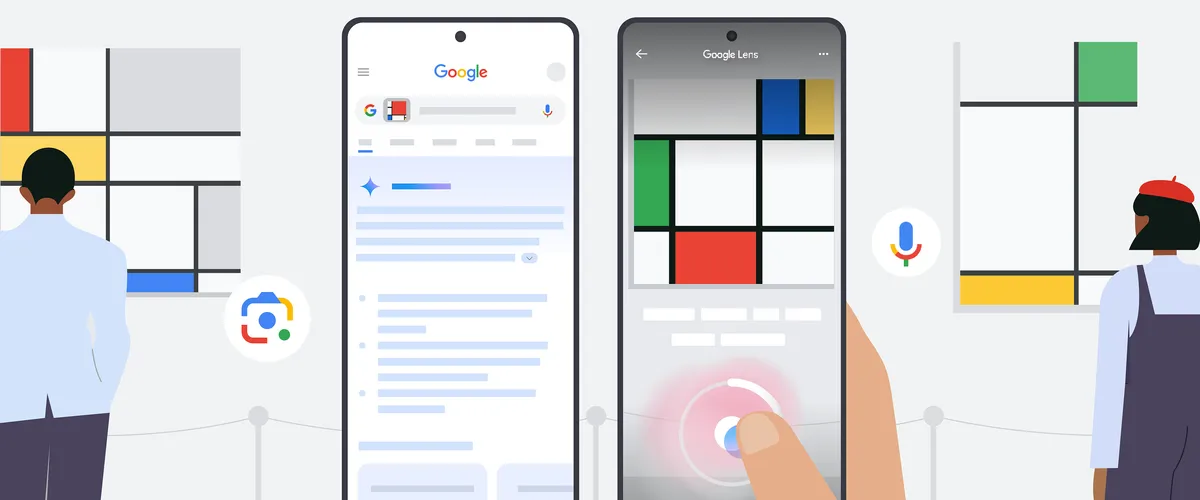
You can now use voice input in Google Lens to ask questions about the things you see — the same way you’d point at something and ask your friend about it. This feature is one of the latest Google Search updates that make it easier to ask questions and find helpful information from across the web.
Asking your questions out loud with Lens can be useful in all kinds of situations, especially if you’re on the go. Maybe you’re visiting a museum and want to know the history behind one of the paintings. Or perhaps you want to find out the name of a colorful bird you see while you’re out walking your dog (and using one hand to hold their leash!).
Previously, you’d have to take a picture and then type in your question manually. But now with voice input in Lens, you can search what you see and ask a question about it all in one go, so it’s more natural and intuitive to explore the world around you. Here’s how to get started.
How to use voice input in Lens
Open the Google app (Android & iOS) and tap the camera icon in the Search bar to open Lens.Point your camera at whatever you want to ask about.
Hold down the shutter button and ask your question out loud, like “why did the artist paint this?” or “what kind of clouds are these?”
If you’re a Search Labs user enrolled in the “AI Overviews and more” experiment, holding the shutter button will capture a video to provide Lens with even more visual context for your search.
Scroll through the results, which may include an AI Overview, as well as links to relevant sites across the web.To ask another question out loud about the photo you took, simply tap the microphone icon at the top of the results page.
Search with your voice in Lens to find the information you need, plus links to learn more.
Voice input for Lens is now available globally for English queries in the Google app for Android and iOS.
To learn about other helpful search features — including new ways to identify songs you hear and shop what you see — read about our latest set of Google Search updates.









 English (United States) ·
  French (France) ·